A Newer, Faster, and Flexible VOD Platform

A modern rework of how you manage your video-on-demand content in StreamShark, rolling out now.
We’re pleased to announce the introduction of a modern, from-scratch rebuild of our VOD platform. Your video-on-demand content works the same way it always has – upload, encode, publish – but the screen you manage it from has been rebuilt from the ground up. So what changed?
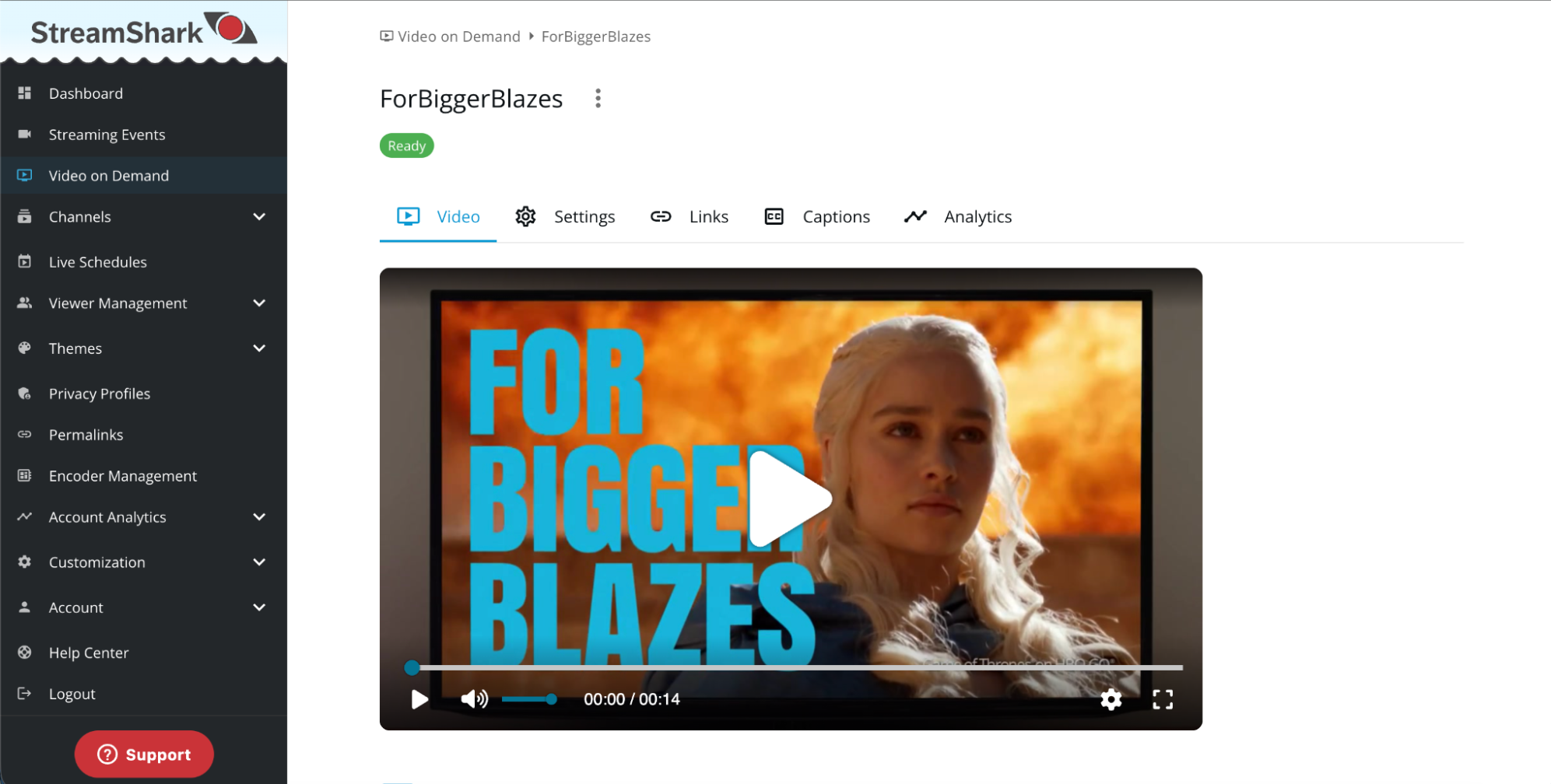
A faster, more modern VOD experience
If you’ve used StreamShark for a while, the new VOD library will look noticeably different. We’ve redesigned the experience from the ground up to make everyday video management faster, clearer and more flexible – particularly for teams managing large content libraries.
Pages load faster, navigation feels more responsive, and the interface has been simplified to put the information and actions you use most within easy reach.
The difference is most noticeable when moving through larger libraries, where browsing between pages and working with your content now feels much more immediate.
Made for large libraries
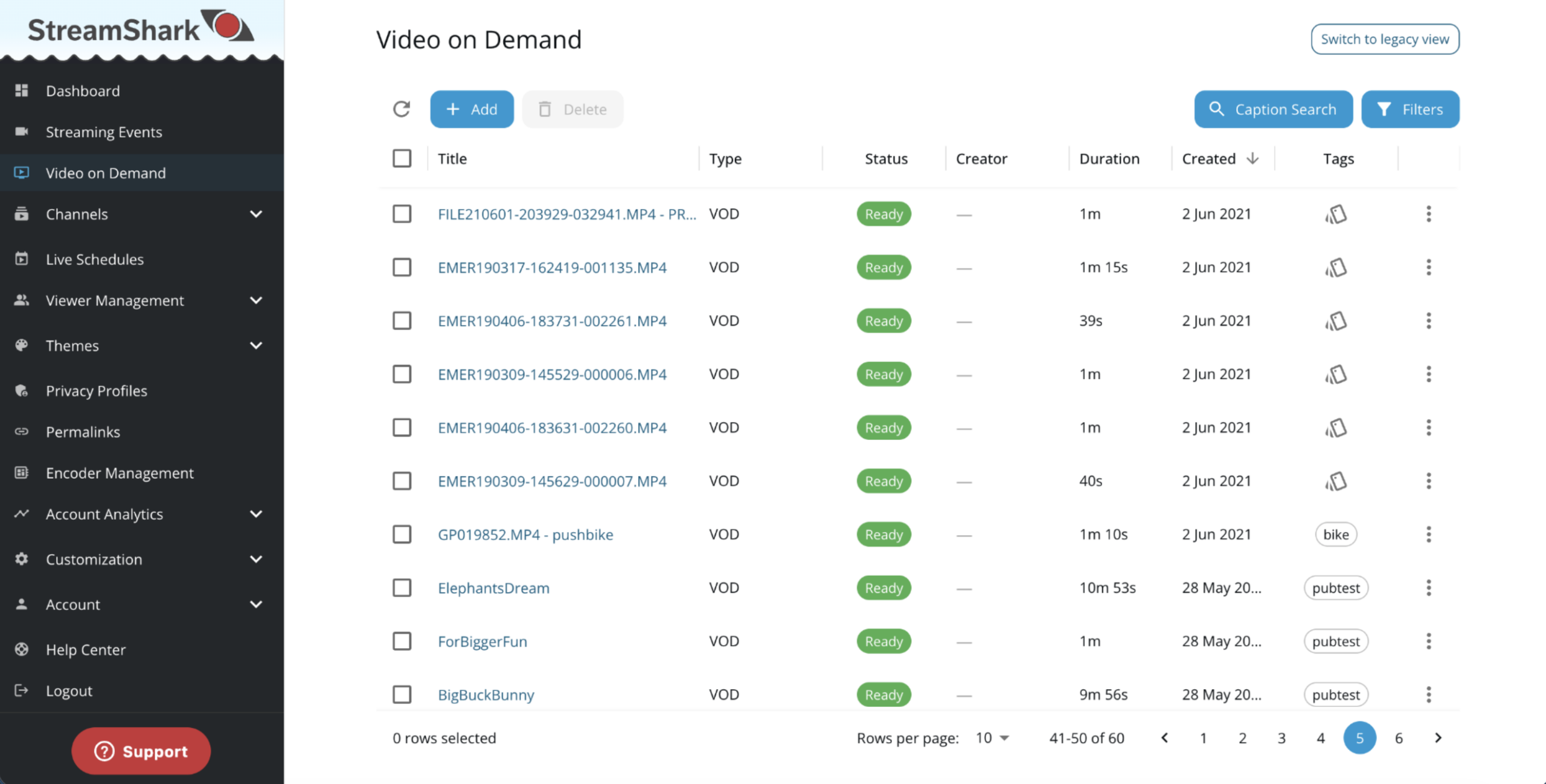
The bigger your video library gets, the more the small things matter. The new VOD library gives you much more control over how you find, organise and manage content.
You can customise the table by showing, hiding, resizing and reordering columns, and StreamShark remembers your setup for next time. Filtering has also been expanded, with dedicated filters for title, tags, creator and status, including the ability to include or exclude results.
We’ve also improved bulk workflows. Select videos across multiple pages and your selection now stays with you, making it much easier to manage large groups of assets at once.
Captions you can fix without starting over
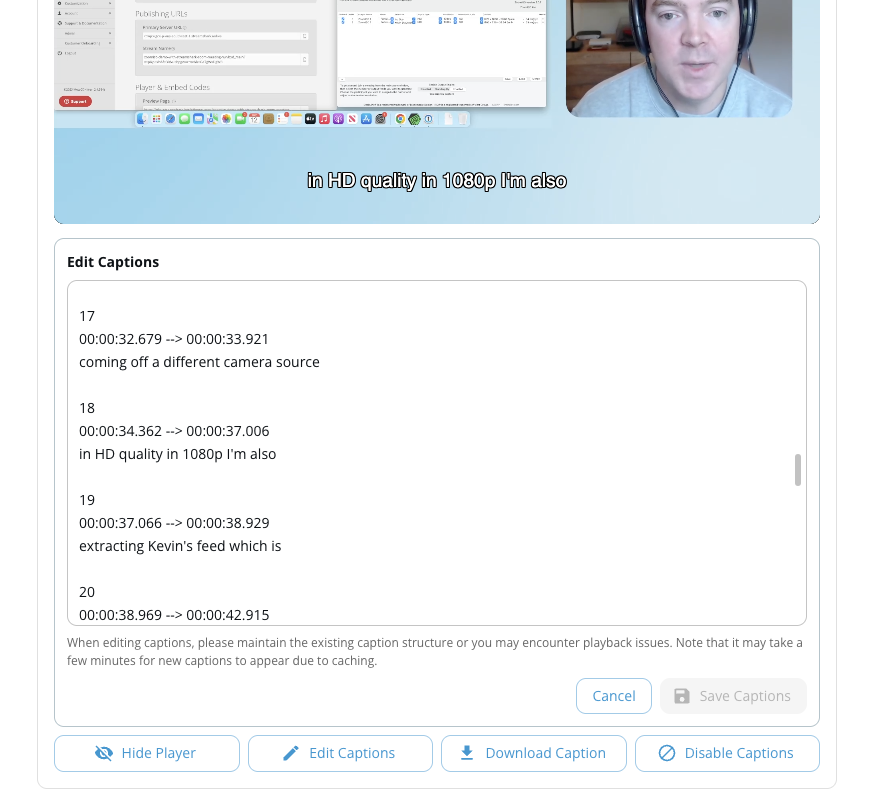
Caption management has also received a major refresh. Alongside a redesigned workflow for uploading, generating and managing captions, you can now edit caption text directly in StreamShark.
That means fixing a typo or cleaning up an automatically generated transcript no longer requires downloading a caption file, editing it elsewhere and uploading it again.
Analytics that go deeper without extra clicks
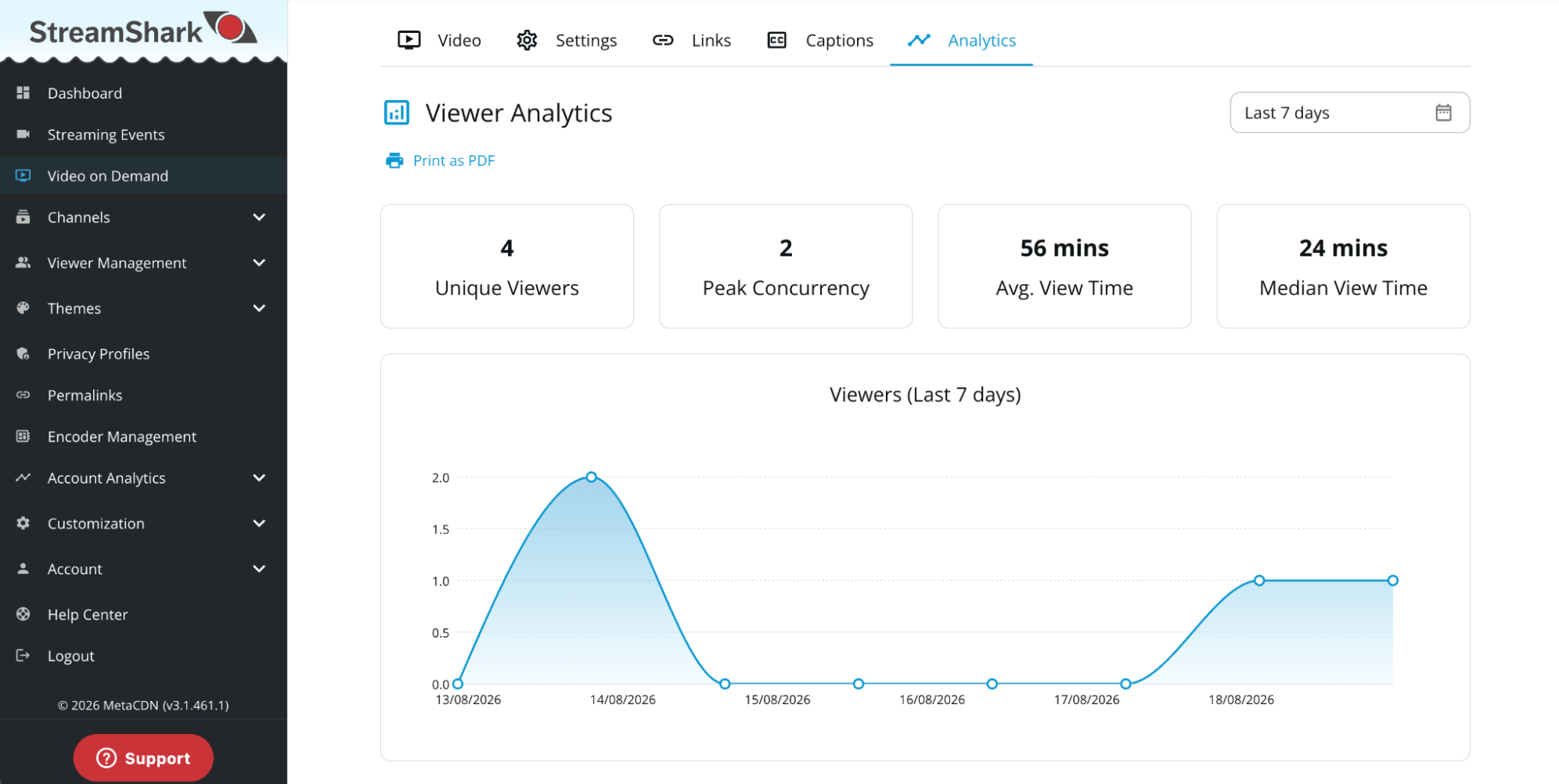
The viewer map is now interactive: zoom in, pan around, and hover any location for a breakdown, instead of a flat, static image. Picking a time range is a single popover too, with day and week presets alongside a new “Live” view of the last hour, instead of needing to specify a range. When it comes time to share results, you can print a formatted PDF straight from the dashboard, or export the full viewer history as CSV.
Key Benefits
Managing a video library shouldn’t become harder as that library grows. The new VOD experience is designed to remove the small points of friction that add up over time – whether that’s finding the right content, working across hundreds of videos, or making a quick correction to a caption.
The result is the same StreamShark VOD workflow, with a faster and more flexible experience around it.
Try the new VOD experience
The new VOD platform is out now and can be found under Video on Demand in the StreamShark sidebar.
Familiar workflows can take some time to adjust to, so you’ll have the option to switch back to the legacy view while you get used to the new experience.
We’re keen to hear what you think.
More from the blog
Introducing Multi-DRM for VOD: Studio-Grade Protection Across Every StreamShark Endpoint
Widevine, FairPlay and PlayReady now protect your video library as well as your live events. With this release, every media endpoint on StreamShark carries the same...
When Video Isn’t Enough, Bring the Data Into the Stream
Watch a live football match and you can see what is happening on the pitch. But there is a lot more information being generated at the...

Audit Logs: Know What Changed, and Who Changed It
Audit Logs give you a searchable, filterable record of activity across your StreamShark account, in the portal and via the API. Available now for enterprise customers....
See it on your own content
Book a walkthrough of StreamShark with your own video, your own encoder and the viewers you need to reach.